Creating a IW7 Dedicated Server
To create a dedicated server, you must have a computer or VPS (Virtual Server) that is constantly online 24/7 with good internet connection. It is recommended to use a VPS that is not your machine and your internet. If you are simply hosting a local server you turn on and off on use, this guide will work perfect for you.
You may need to Port Forward your server for people to see it in the public Server Browser.
Requirements
- Redistributables required for Call of Duty
- A text editor (VSCode or Notepad++ is recommended)
- ~10gb of free space
Setting up your server (Windows)
- Download the IW7 Dedicated Server Files zip from Google Drive.
- Once downloaded, extract the .zip file to a folder of choice.
- Open the extracted folder, and move the iw7-mod folder and the .bat files into your Infinite Warfare folder.
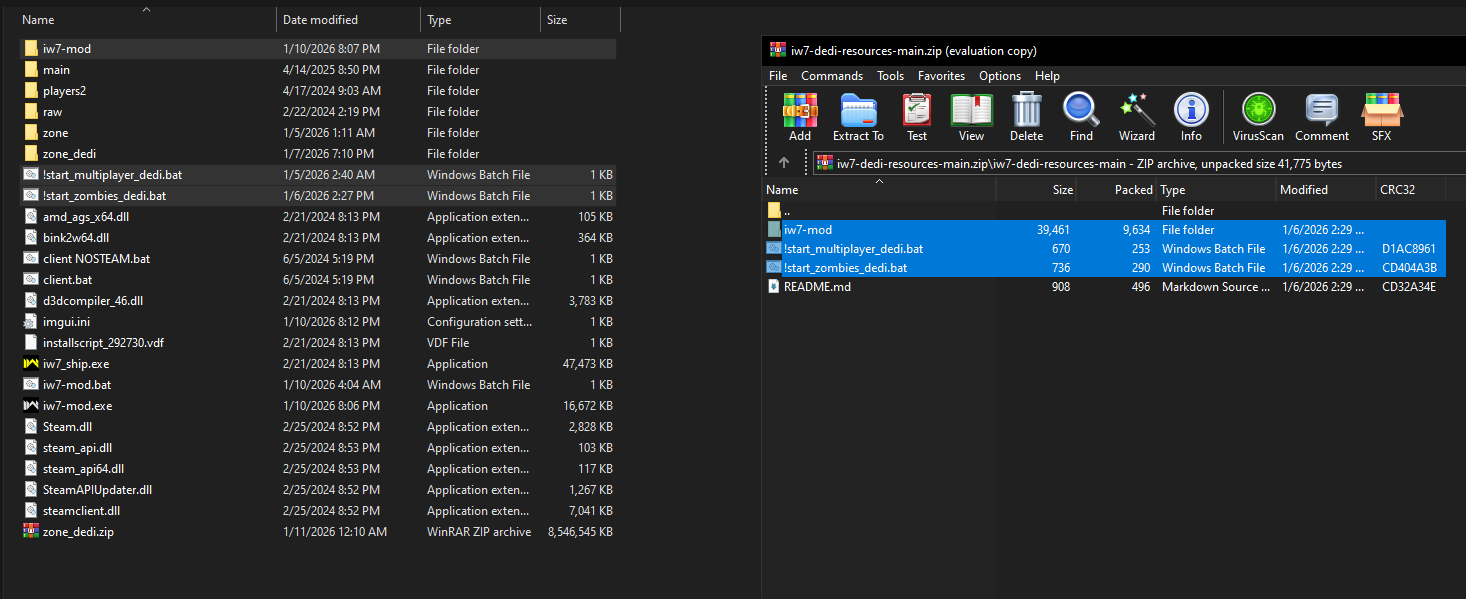
- Open
iw7-mod.exeand let the game run the updates. You should be on the newest IW7-Mod exe for the latest features and fixes. - Now you need to Port Forward the UDP port(s) your launcher scripts will use. By default, it is 27016 for one server. To learn more about Port Forwarding, click here.
- Now you can edit your .cfg configs and edit your .bat server launcher scripts!
Setting up your server (Linux)
Setting up a server on Linux roughly follows the Setting up your server (Windows) guide above, except a few things need to be done.
Using Steam Proton (Recommended)
Hosting your server via Steam Proton is highly recommended for everything to just work. To do so, you can follow the guide for Installing Steam natively and Installing Proton (via Steam).
Using Wine
TODO
"I cannot port forward and would like to play with friends"
No problem at all, just read our guide on Using a VPN to play with friends!
Editing your server configuration
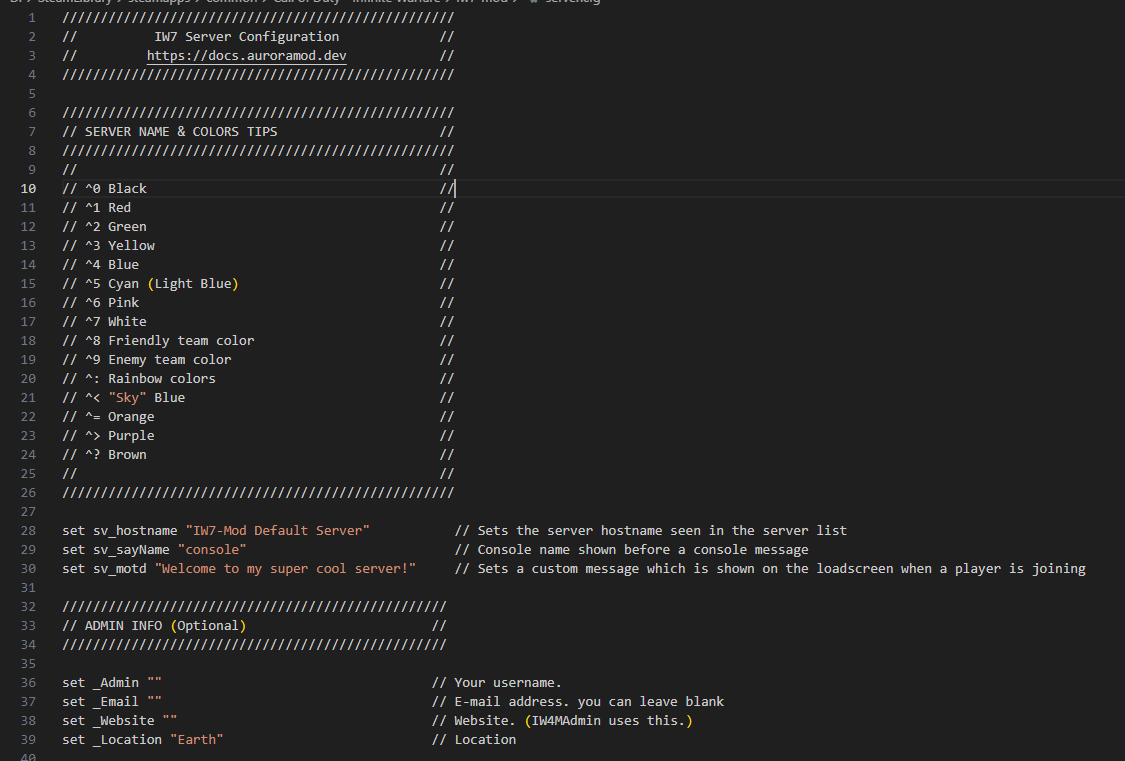
You can edit the .cfg files in the iw7-mod folder to your liking. This includes settings like:
- server name (hostname)
- gametype
- maps
- MOTD (Message of the Day) and more!
tip
Going through the entire configuration is recommended to understand what settings you want for your server. There are many lines that can be left default, but everything listed is customizable.
Editing your server launcher scripts
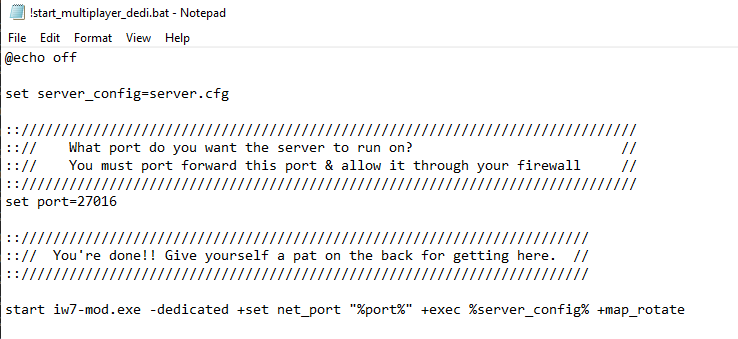
You can edit the .bat files in your Infinite Warfare directory to your liking also. This includes settings like:
- mod (fs_game)
- port
- developer script (for debugging)